



Betnella on Mobile Devices
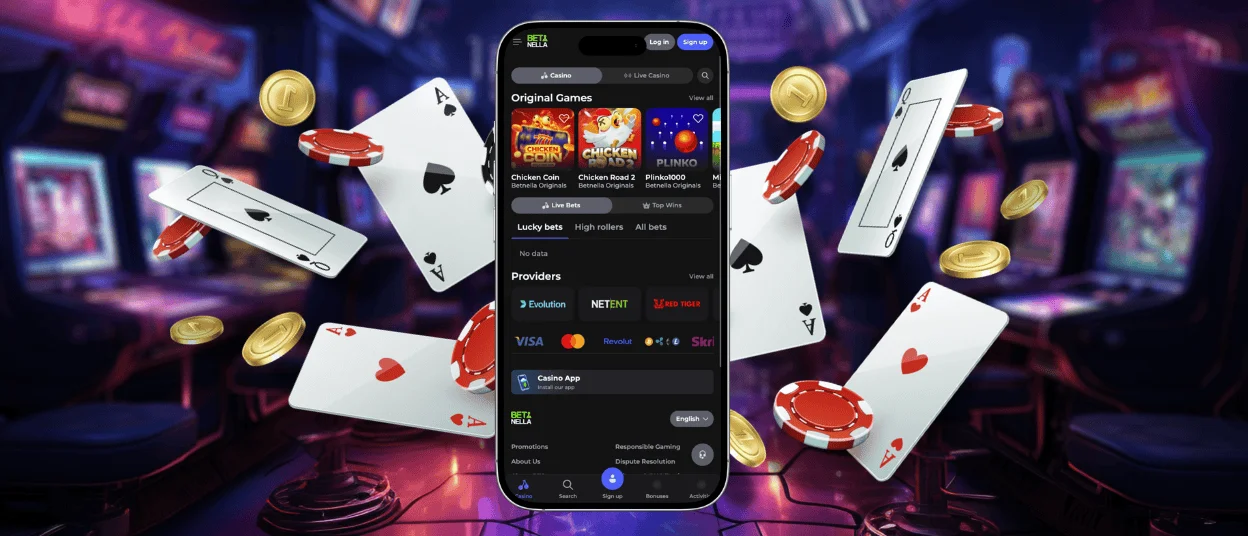
Being able to play online slots at home is already great, but playing on mobile adds another level of comfort. The Betnella app allows our players to enjoy their gaming sessions the way they like. It works on all operating systems, so you’re not limited to one device option.
Betnella Mobile Access Options
Bet Nella Casino has a progressive web application (PWA) that allows our users to play from their mobiles. Technically, that is a website that works like an app, so you can easily install it on Android and iOS devices. Our application is not in the app stores and you also don’t need to download any suspicious files from the web. You can install the Betnella app directly from our official website in a few clicks.
You can continue to play from the browser if you want to but your gaming experience can be more enjoyable if you try playing at our mobile casino. Switching to your smartphone or iPhone offers:
- Adaptive design optimized for any screen size with touch controls.
- Flexibility to play at Betnella Casino whenever you want and from a device that’s comfortable for you.
- Smooth performance even with a poor internet connection, thanks to the caching feature.
- Additional security for your Betnella account with Face ID and Touch ID.
- Push notifications for news and platform updates.
It’s also more convenient to upload documents for the verification process from your mobile device than from a computer because you can do it directly without wasting time.
Betnella iOS App
To get the Betnella app on your iPhone, you first need to visit our website in Safari. Here you have two options: find the “Casino App” banner and click on it to download the application, or create a shortcut in the browser. To do so, you need to tap the “Share” button, then scroll down until you see “Add to home screen” and click “Add” to add the branded Bet Nella icon to your home screen.
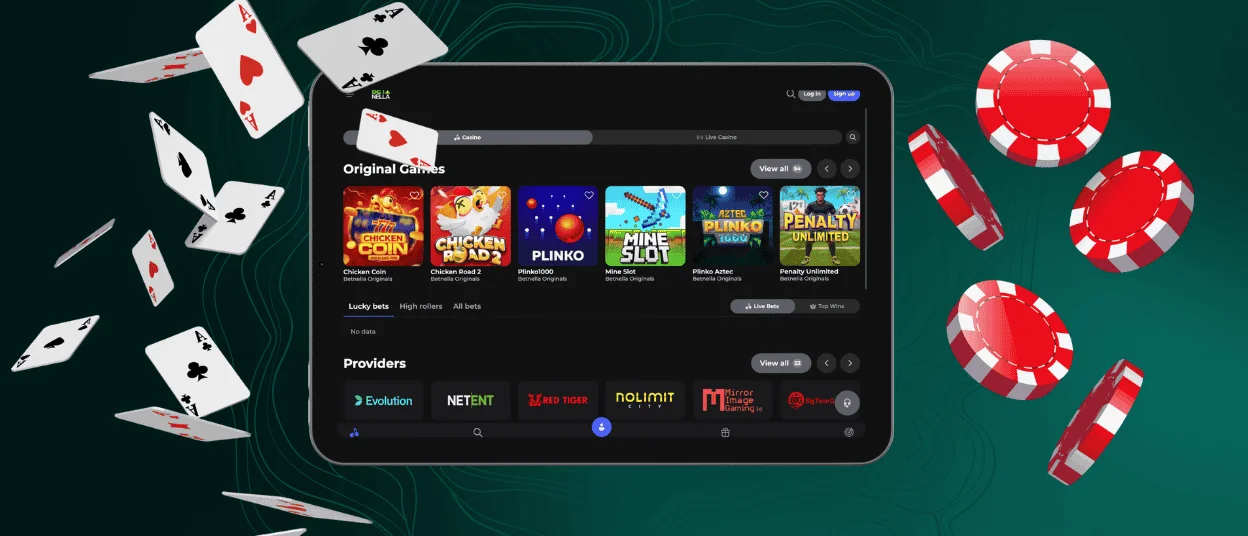
Everything you do on our web platform, you can also do in the app, including making bets, deposits and withdrawals, managing profile settings and activating our bonuses.
Betnella Android App
One of the PWA advantages is that you can get the same application on your Android as on iOS. To install the Betnella app on your smartphone, you can follow these steps:
- Open our website on your device
- Tap the three dots menu at the top-right corner
- Scroll down till you see the “Add to home screen” button
- Wait for the installation to complete and tap the icon that appears to get to our mobile casino
You can also play directly in your mobile browser if you don’t want to install the app.
Why not APK?
We decided to develop a progressive web application instead of a native one. There’s no APK you need to download to install the Bet Nella app on your Android. It’s convenient in a way that you don’t risk getting any questionable files that can potentially damage your phone. Here’s a little comparison of the two technologies so you know how they differ.
| Feature | PWA | APK |
| Platform | Works on any device (Android, iOS, PC, Mac) | Works only on Android |
| Installation | Players can install it directly from a mobile browser in a few clicks | Need to be downloaded from Google Play or other sources manually |
| Storage space | Lightweight application that takes almost no space | Generally heavy, can range from 50MB to several GB |
The Betnella PWA also has strong security measures to protect personal data of our players.
Windows and Mac App
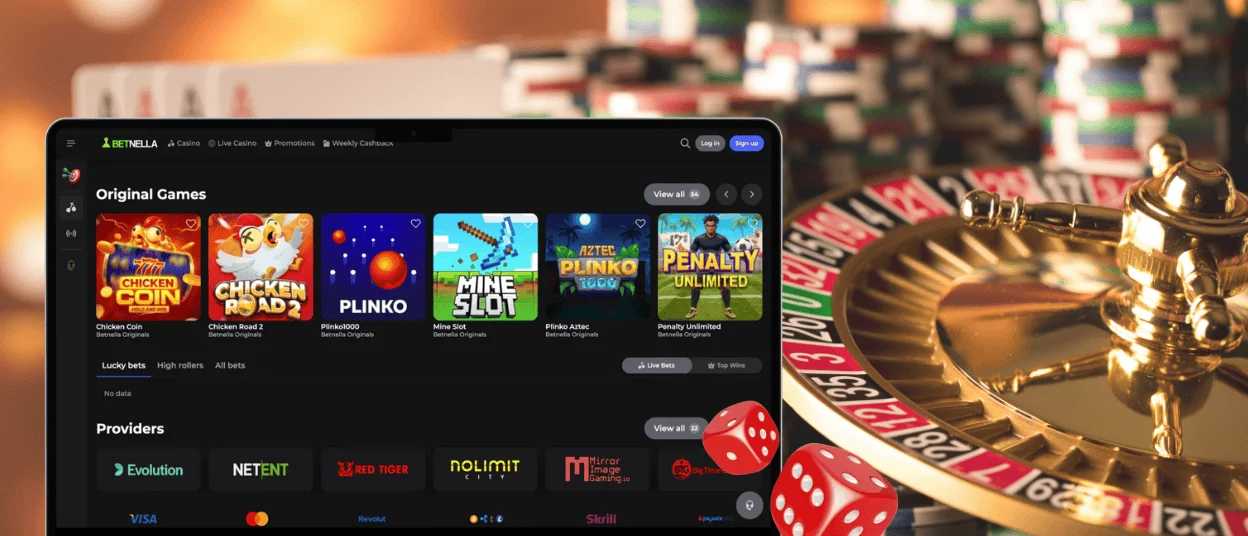
While playing at a mobile casino is convenient, some users still prefer to see their games on a big screen, especially if it’s live dealer games in high resolution. Bet Nella Casino works well from any modern browser on PC and laptops. You can continue to use it to open our web platform and play your favorite titles.
We know it can be uncomfortable when there are a lot of tabs stacked in the browser, or you simply don’t want to open Betnella Casino from where you work. That’s when another advantage of the PWA shines. Players can also install our app on macOS or Windows and launch our platform separately from the browsers. To create a shortcut, you first need to launch the Betnella website and click on the install button that’s in the address bar.
FAQ
Is creating an account required to use the Bet Nella app?
Players can install our app even without having an account, but you definitely need one if you want to place bets and use other features of our platform. You can sign up on our official website through the browser on your computer or register on mobile.
Is customer support available in the Betnella Casino app?
Yes, our application has a built-in live chat and you can still contact our support team via email. The line works 24/7. You don’t need to switch to a computer to reach out to customer service, so if you face any difficulties while playing in our mobile casino, don’t hesitate to write to us.
How can I update the Betnella Casino app?
Our application doesn’t need to be updated manually, as it runs the updates automatically in the background every time you launch the app. That means no downloading additional files from stores or sketchy websites. You always have the most recent version of the Betnella app without doing anything.


